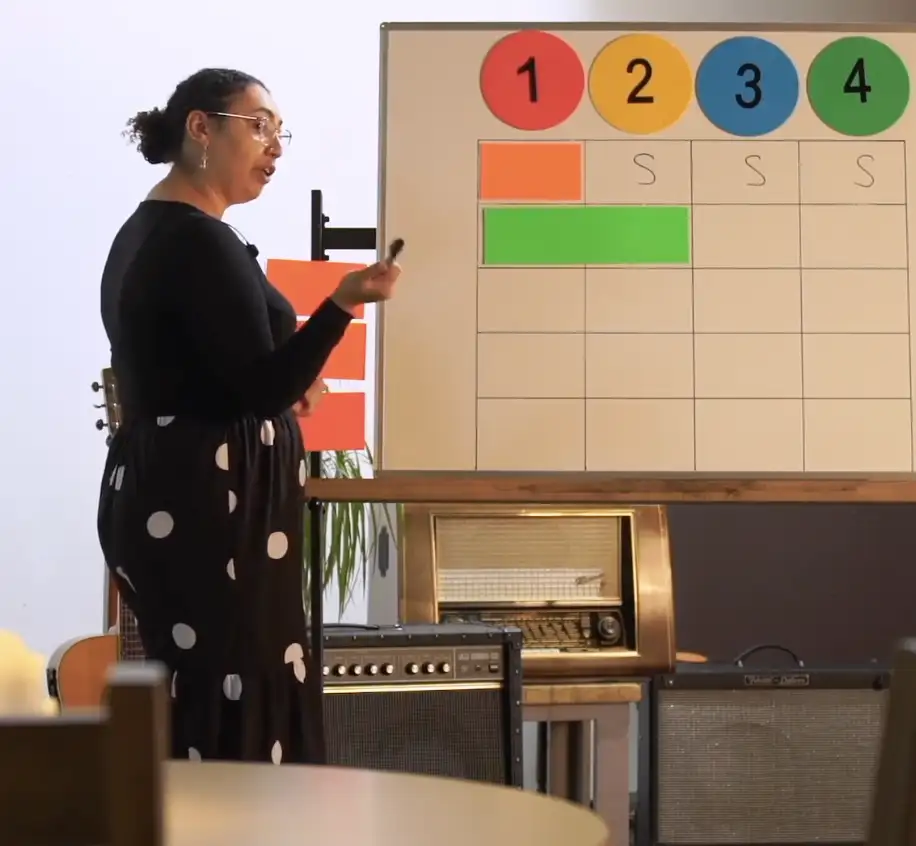
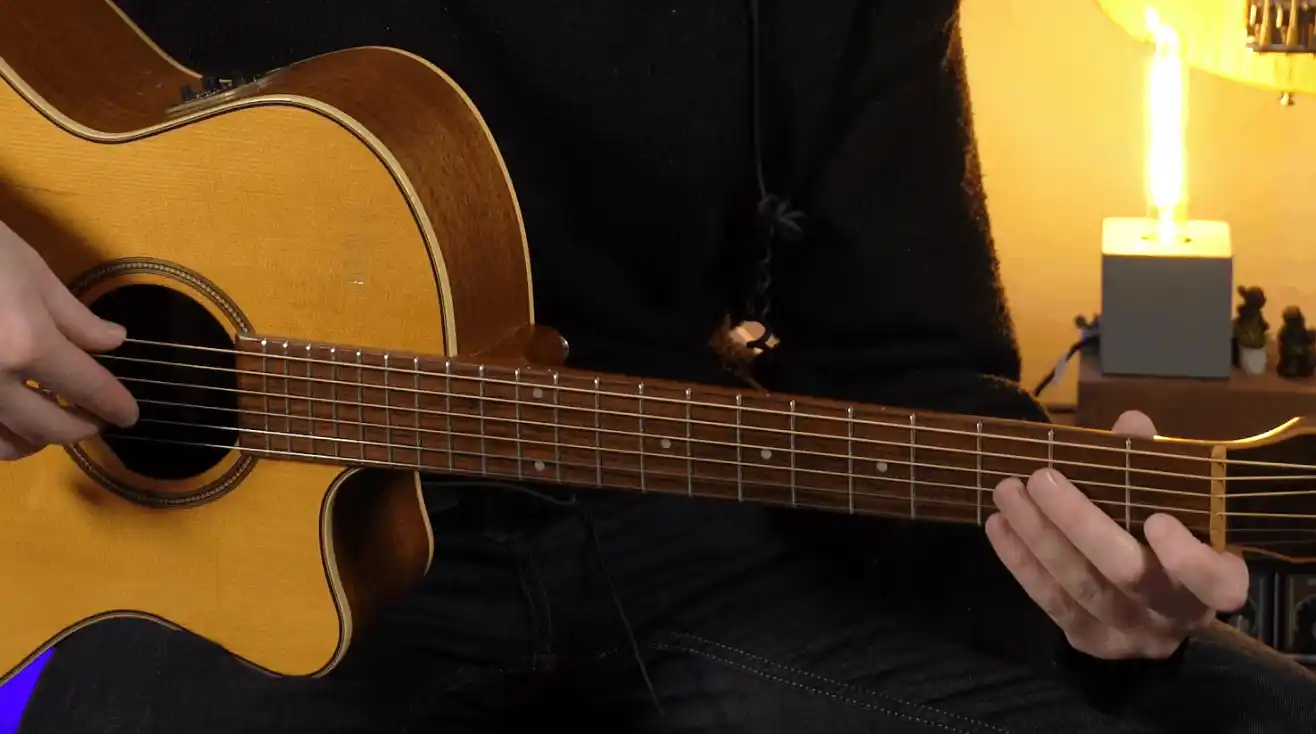
Teacher notes
Clear guidance for setup, delivery, adaptations and learning outcomes.
How it works
Kidstrument gives every class a consistent music journey: choose a route, open the lesson, teach from the whiteboard, and let coverage evidence build as you go.
Teacher route
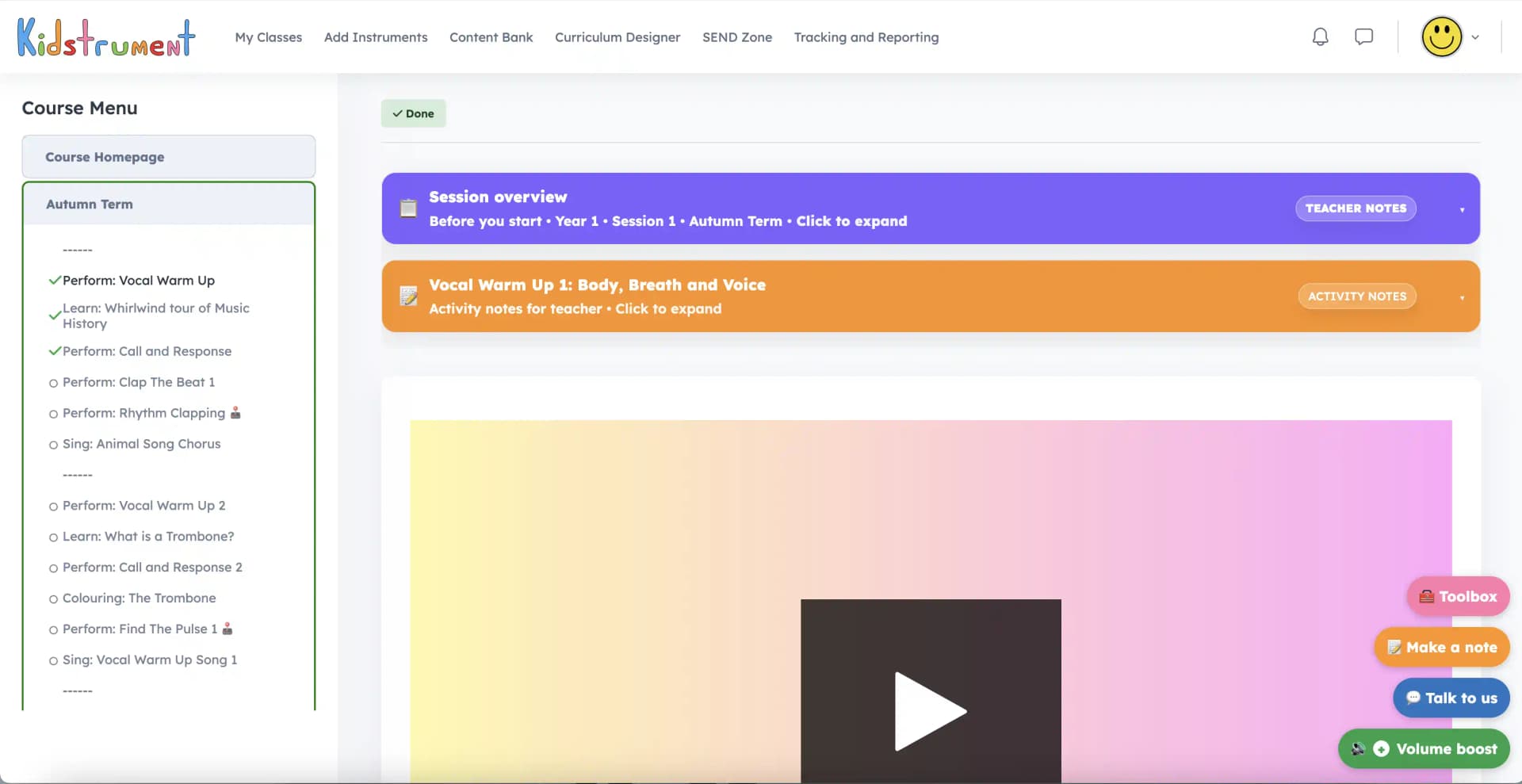
The Schemes page explains the curriculum structure. In practice, teachers follow a simple product route: choose the right scheme, open the class, teach from the activity view, and let reporting build from completed lessons.
Use the planned curriculum, build your own pathway, or mix both. The same mapped content powers each route.
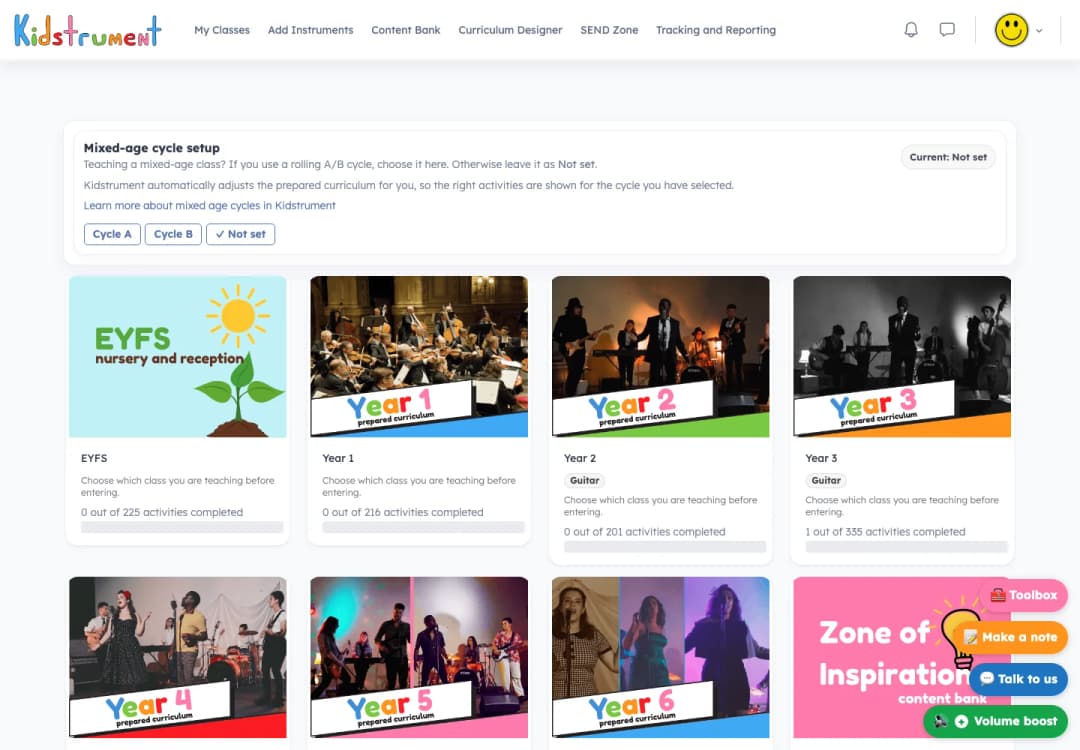
Sequenced EYFS-Year 6 lessons with resources, outcomes and progression already mapped.
Open page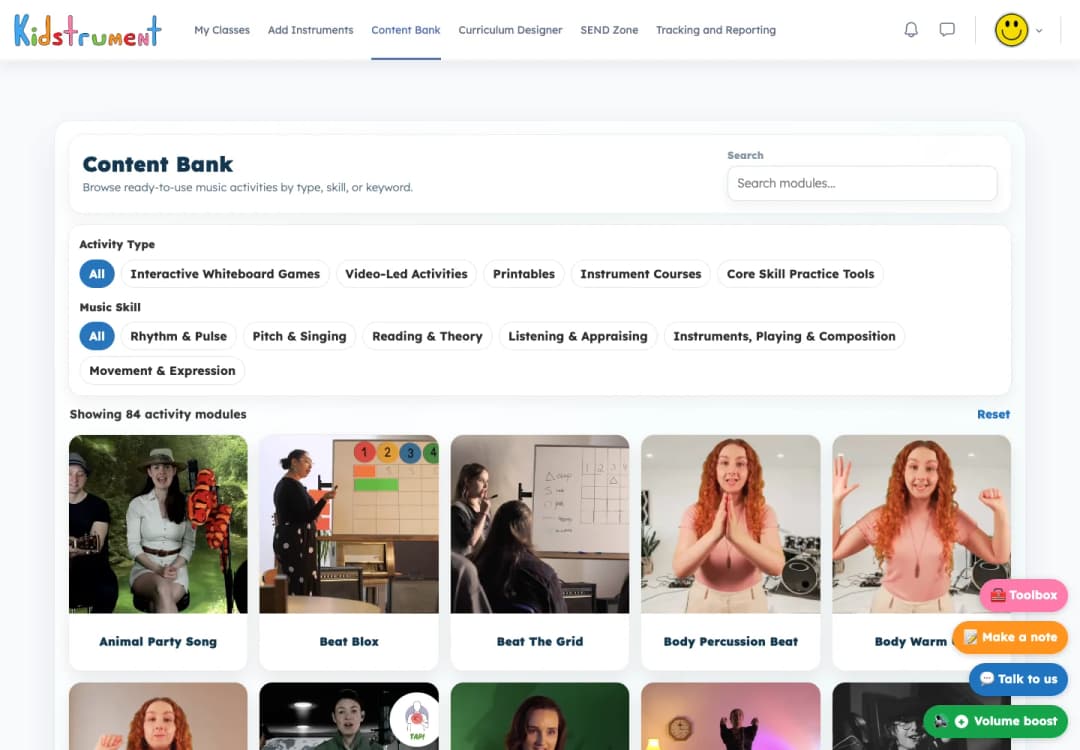
An 1100+ activity library for songs, rhythm, listening, composition, practice tools and quick lesson building.
Open page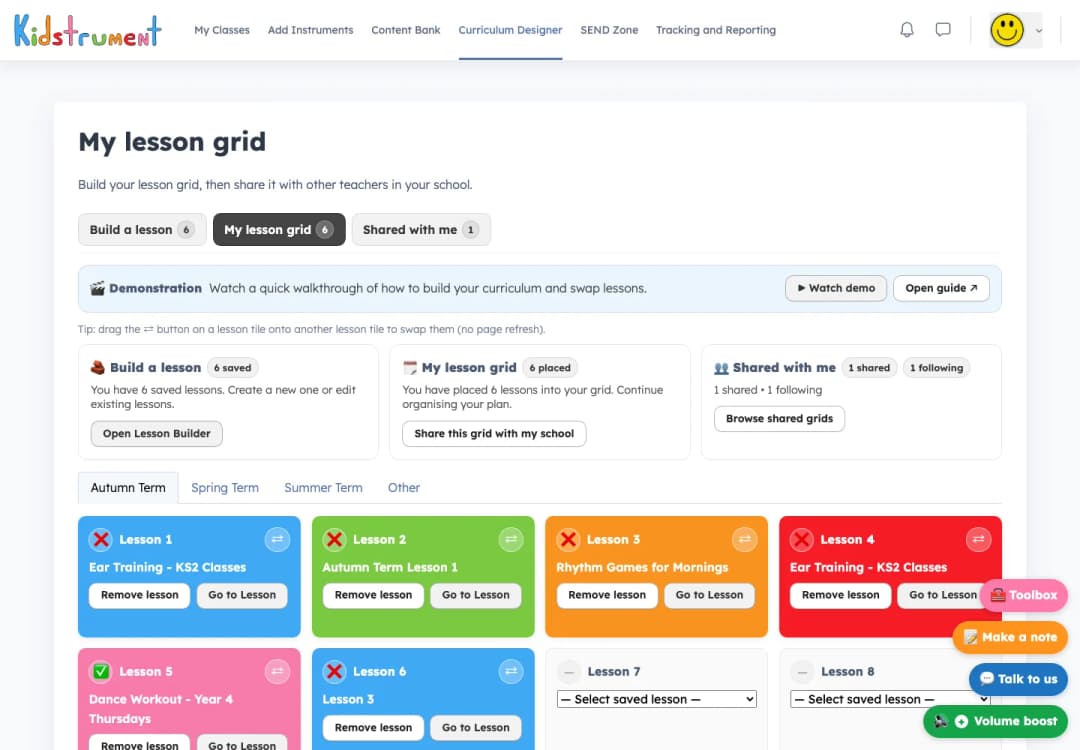
Build a term or year in minutes, choose class instruments, adapt for mixed-age classes and keep versions for future cohorts.
Open pageBuilt for non-specialists
Teacher notes are not separate documents to hunt for. They sit with the activity so staff know what to do, how to adapt, and what outcome is being taught.
Kidstrument combines structured teaching, flexible resources and simple evidence in one classroom-friendly system.
Clear guidance for setup, delivery, adaptations and learning outcomes.
Use a full scheme, swap activities, or build targeted catch-up and extension routes.
Show what has been taught and how outcomes progress across year groups.
Interactive practice, teaching prompts and optional reward games support real lessons.
Teaching tools
Practice tools and optional reward games help pupils listen, repeat, improve and stay motivated while the teacher keeps the lesson moving.
Open the Schemes, preview the Content Bank, test the teacher notes and see whether it feels right for your staff.
Explore examples