Lesson Builder
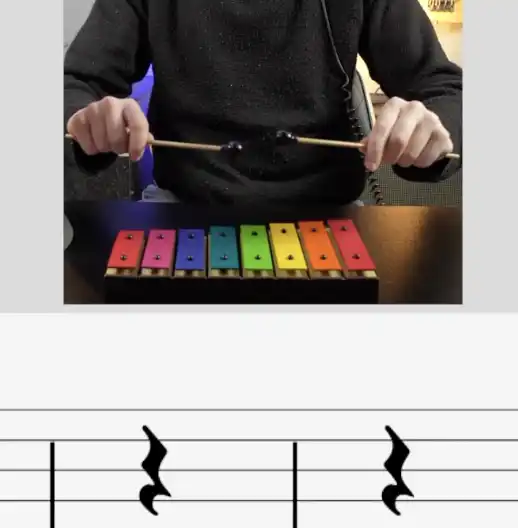
Pick activities, order them and save lessons for reuse.

Curriculum Designer
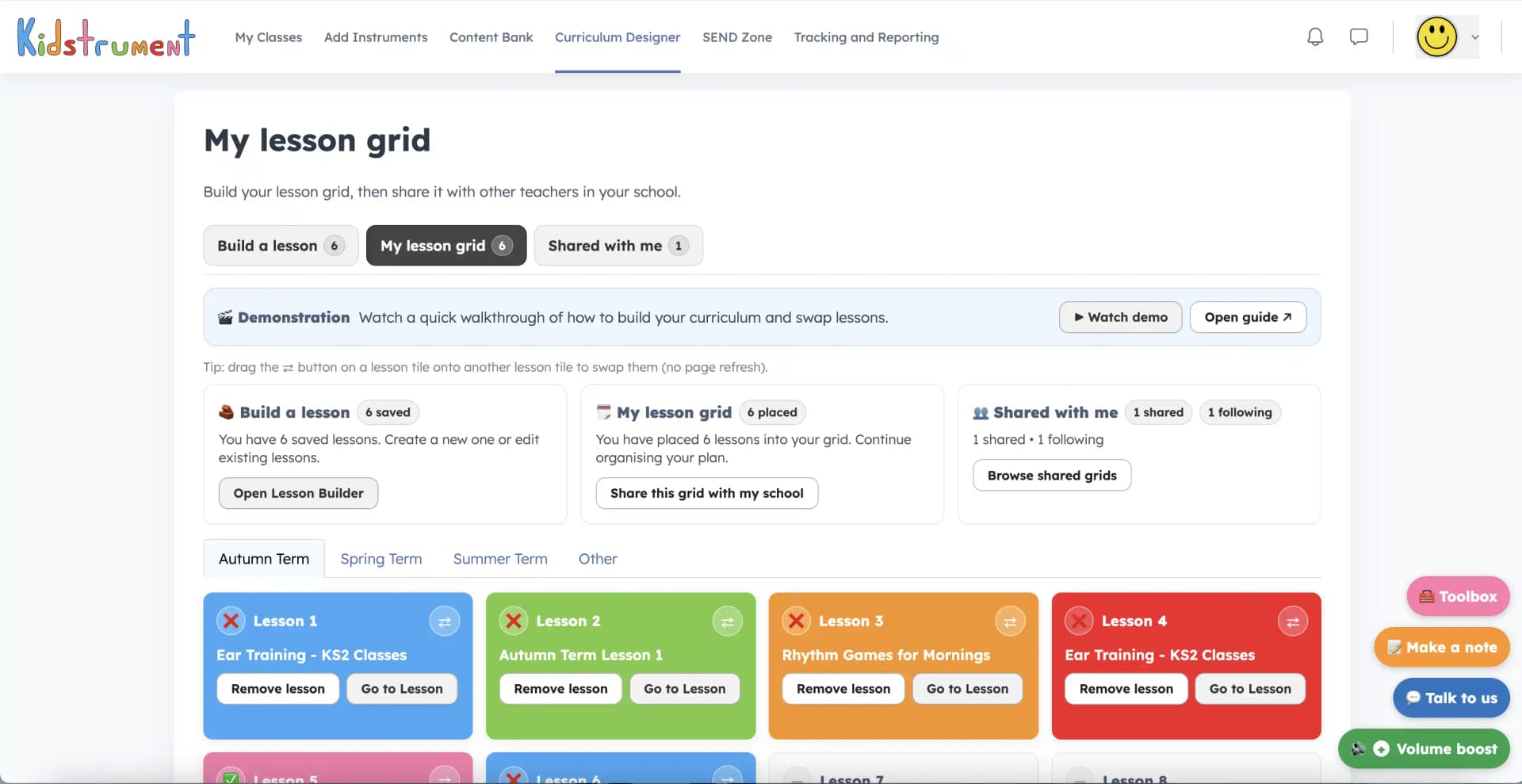
Use the full Content Bank to build, save and reuse lessons, then drop them into a yearly grid and teach straight from the whiteboard.
How it works
Pick activities, order them and save lessons for reuse.
Place saved lessons into Autumn, Spring, Summer or Other.
Share grids with colleagues so planning is reusable across the school.
Teacher workflow
Teachers can launch a lesson, mark it taught, swap tiles when the timetable changes and keep custom planning tidy without losing the curriculum thread.
A simple term structure that can be explained across the school.
Saved lessons support cover, staff changes and repeatable planning.
Specialists can adapt while leaders keep a clear route.
Use the Content Bank, save a custom lesson and see how it fits your timetable.
Explore examples