Activity type filters
Filter by interactive whiteboard games, video-led activities, printables, instrument courses and core skill practice tools.
Content Bank
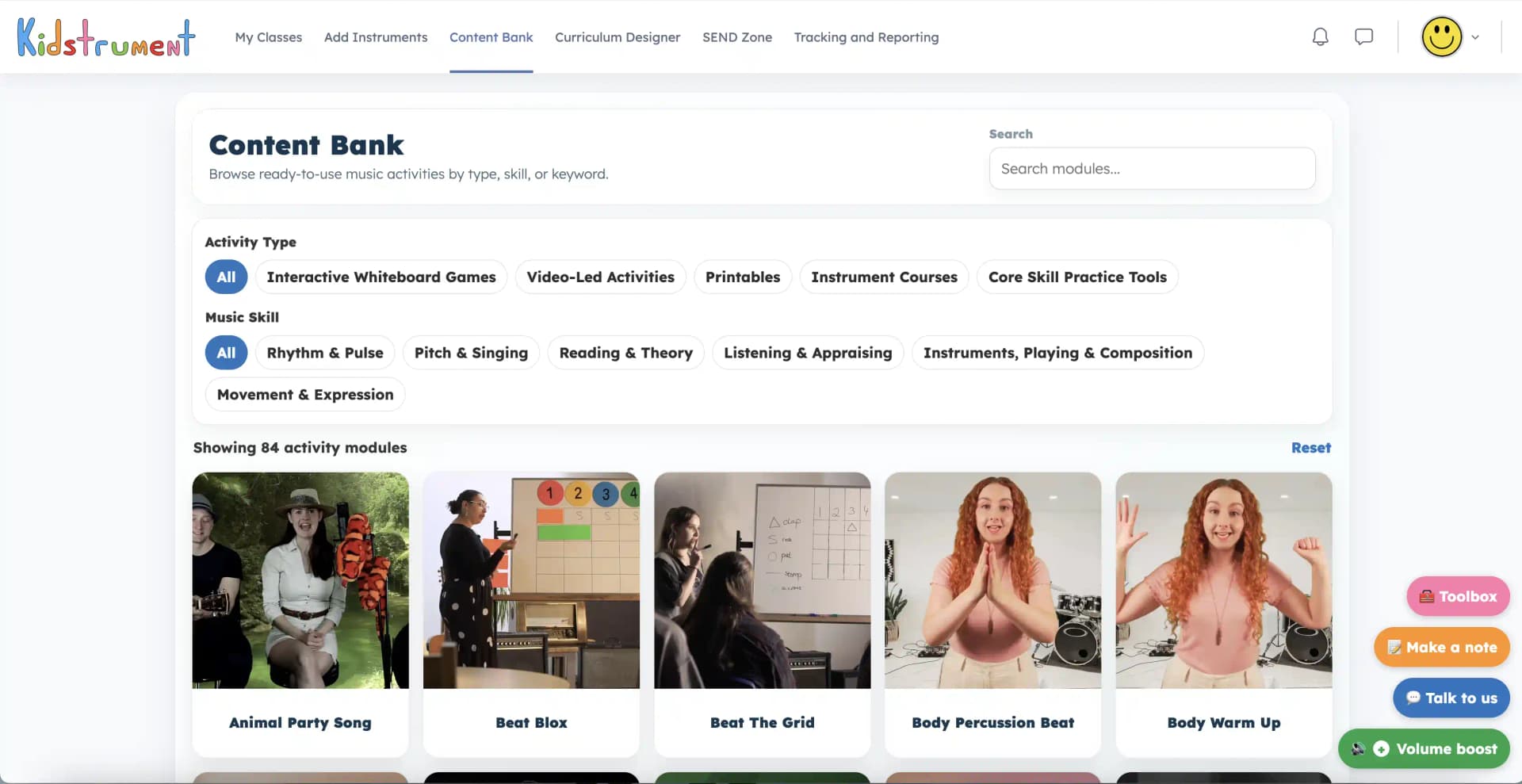
Search by keyword, filter by type or skill, and preview the activity before teaching.
The Content Bank brings starters, listening games, singing routines, movement tasks, printables, instrument work and practice tools into one practical classroom library.
Fast finding
Search by keyword, then narrow the library by activity type or music skill. A teacher looking for a pulse task, a printable theory recap, a listening activity or an instrumental practice route can get there quickly.
The Moodle hub organises activities with the same practical labels teachers see in the product, keeping browsing close to classroom decisions.
Filter by interactive whiteboard games, video-led activities, printables, instrument courses and core skill practice tools.
Target rhythm and pulse, pitch and singing, reading and theory, listening and appraising, playing and composition, or movement and expression.
Browse recognisable groups such as Beat Blox, Body Percussion Beat, Critical Listening, Dance Activities, Workbooks and Practice Tools.
Reset filters and move between searches quickly when the lesson changes direction or a class needs a different route in.
Inside the product
Each activity-family tile opens an overview before the teacher launches anything. The overview explains what happens, what pupils do, how it can be used in class and the teaching notes that make delivery easier.
That means non-specialists can check the lesson shape before they commit, while music leads can quickly see why an activity fits a skill, topic or support need.
Classroom uses
The Content Bank is not just a store cupboard. It is a practical way to respond when a class needs a starter, a recap, extra repetition, a movement reset, a listening focus, a printable follow-up or a different route into the same musical idea.
Use it alongside the schemes for catch-up, extension, intervention, SEND-friendly adaptation, transition moments, topic links, instrumental practice and custom planning.
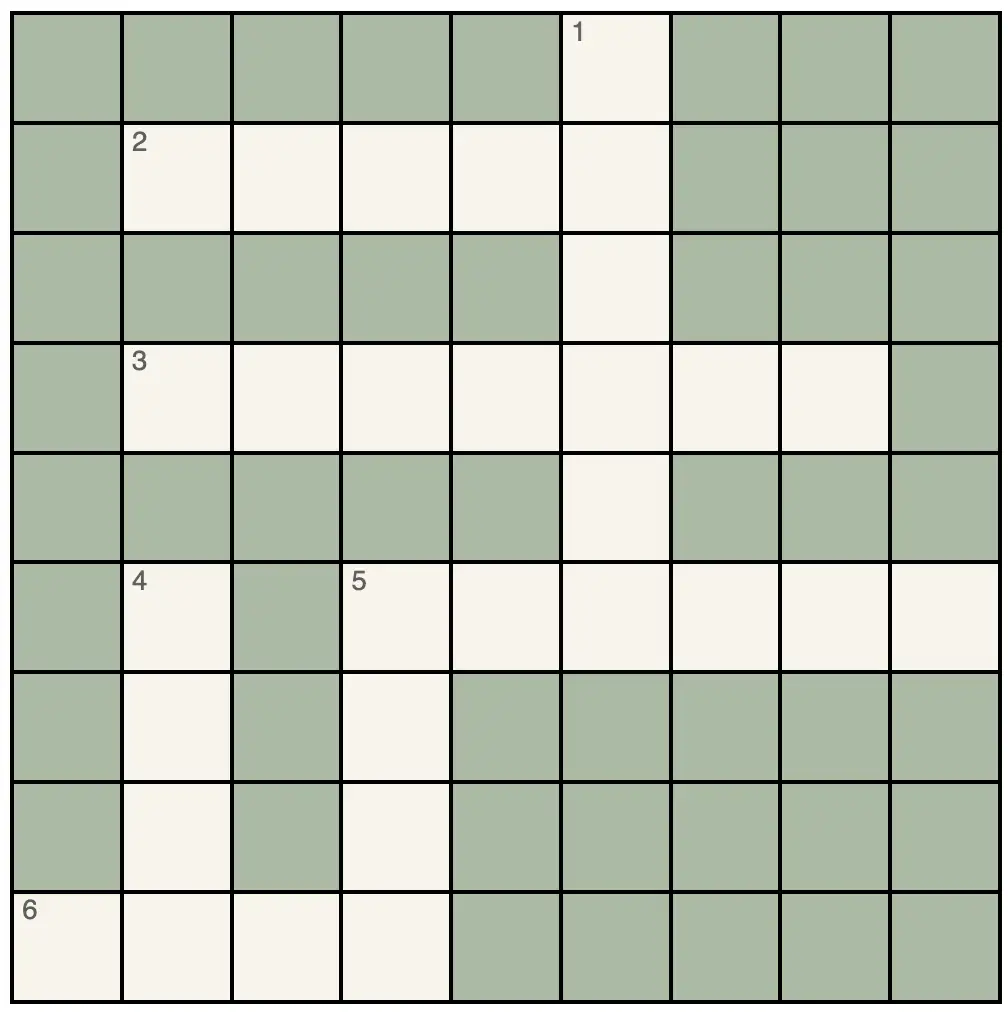
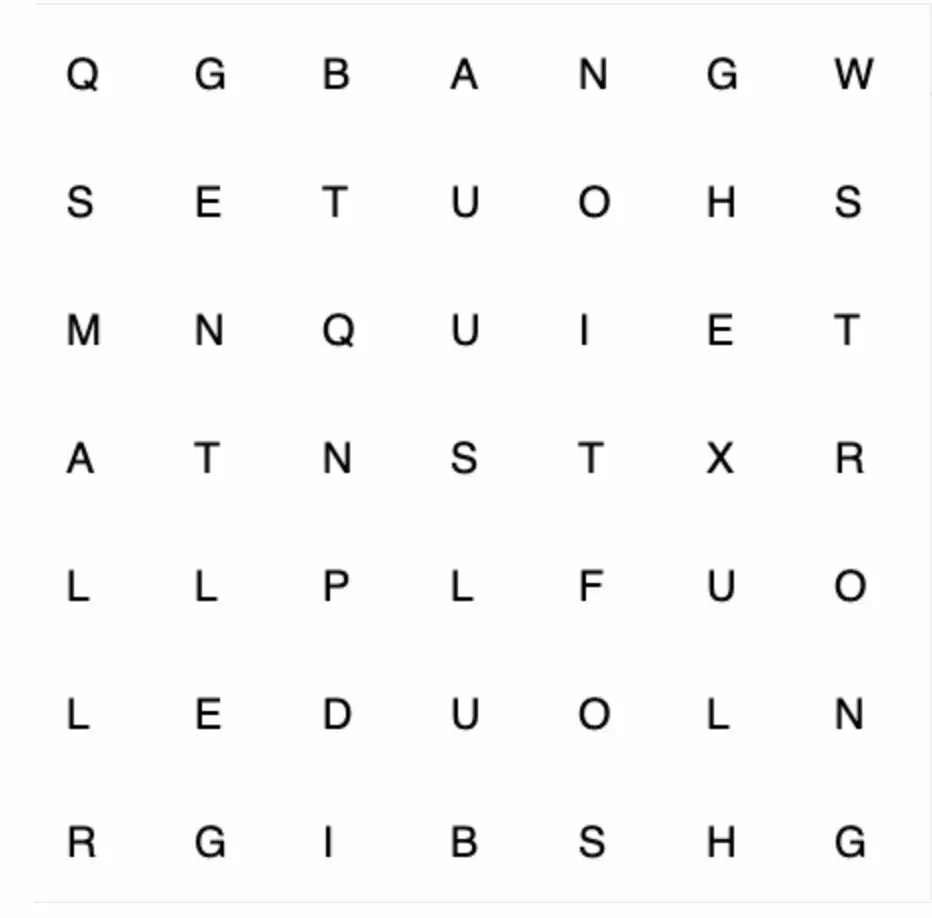
Use Crosswords, Find the Words, Instrument Flashcards, True or False and quick practice tools to revisit vocabulary and concepts.
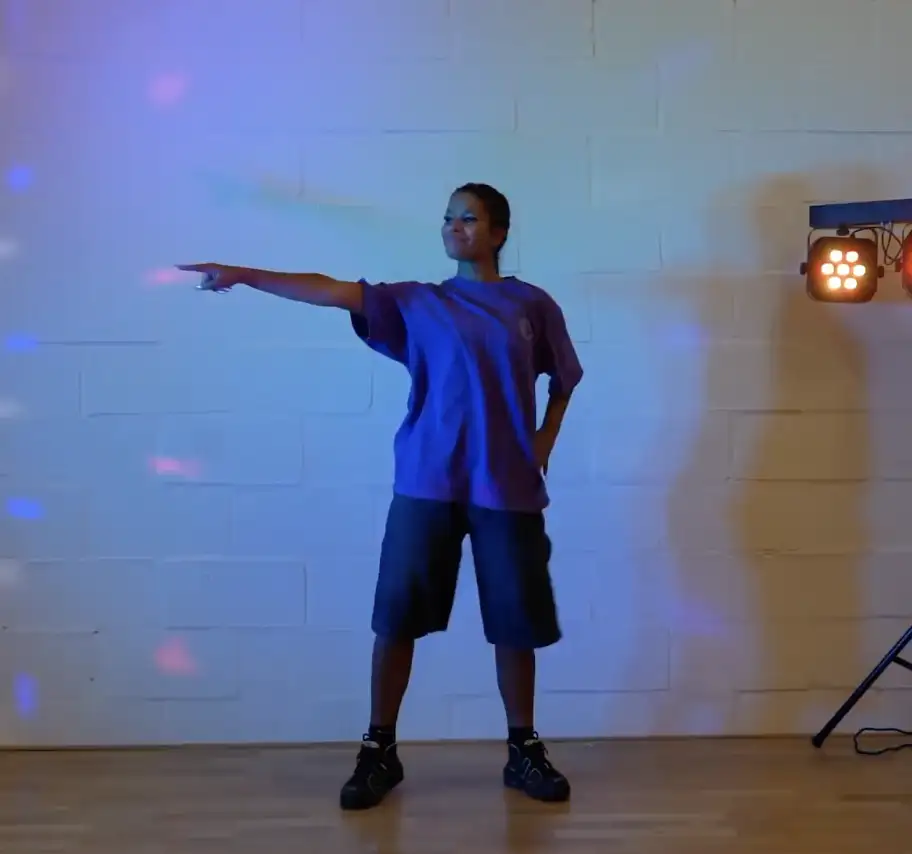
Open Beat Blox, Body Percussion Beat, Clap the Pulse, Dance Activities, Konnakol or Read That Rhythm for practical repetition.
Use Critical Listening, Hear the Difference, Instrument Insight by Genre and Mood Playlist activities to focus attention on sound.
Use Workbooks, Worksheets, instrument courses and practice tools when pupils need independent follow-up or skill rehearsal.
Teaching flow
Inside each tile, teachers can choose from the individual activities in that family. The preview area can load H5P activities, pages, resources, PDFs, audio or video depending on the item.
Where an H5P activity supports it, teachers can open the activity full screen for whiteboard teaching. The Content Bank therefore acts as both a planning browser and a direct route into delivery.
Open the activity overview before launching the item, so teachers know the class task and teaching angle.
Families can hold multiple activities, from short parts and full versions to pages, resources and printable materials.
Launch the selected activity from the same workflow and use full-screen H5P previews where available.
Quick answers
Yes. The Content Bank can be filtered by rhythm and pulse, pitch and singing, reading and theory, listening and appraising, instruments, playing and composition, and movement and expression.
Yes. Activity-family tiles include overview notes, classroom use, pupil actions and teaching notes, and individual activities can be previewed before teaching.
Yes. Printables, workbooks and worksheets sit alongside video-led activities, interactive whiteboard games, instrument courses and core skill practice tools.
The schemes give teachers a planned curriculum route. The Content Bank gives flexible extras for catch-up, extension, intervention, retrieval, custom planning and moments when a class needs a different approach.
Yes. Many activities can support flexible access, repetition, movement, listening, communication and confidence. The SEND Zone adds a support-focused route into the same wider activity bank, but it does not replace specialist SEND provision.
Open the Content Bank, filter by the skill you need and preview activities before you teach.
Explore examples